
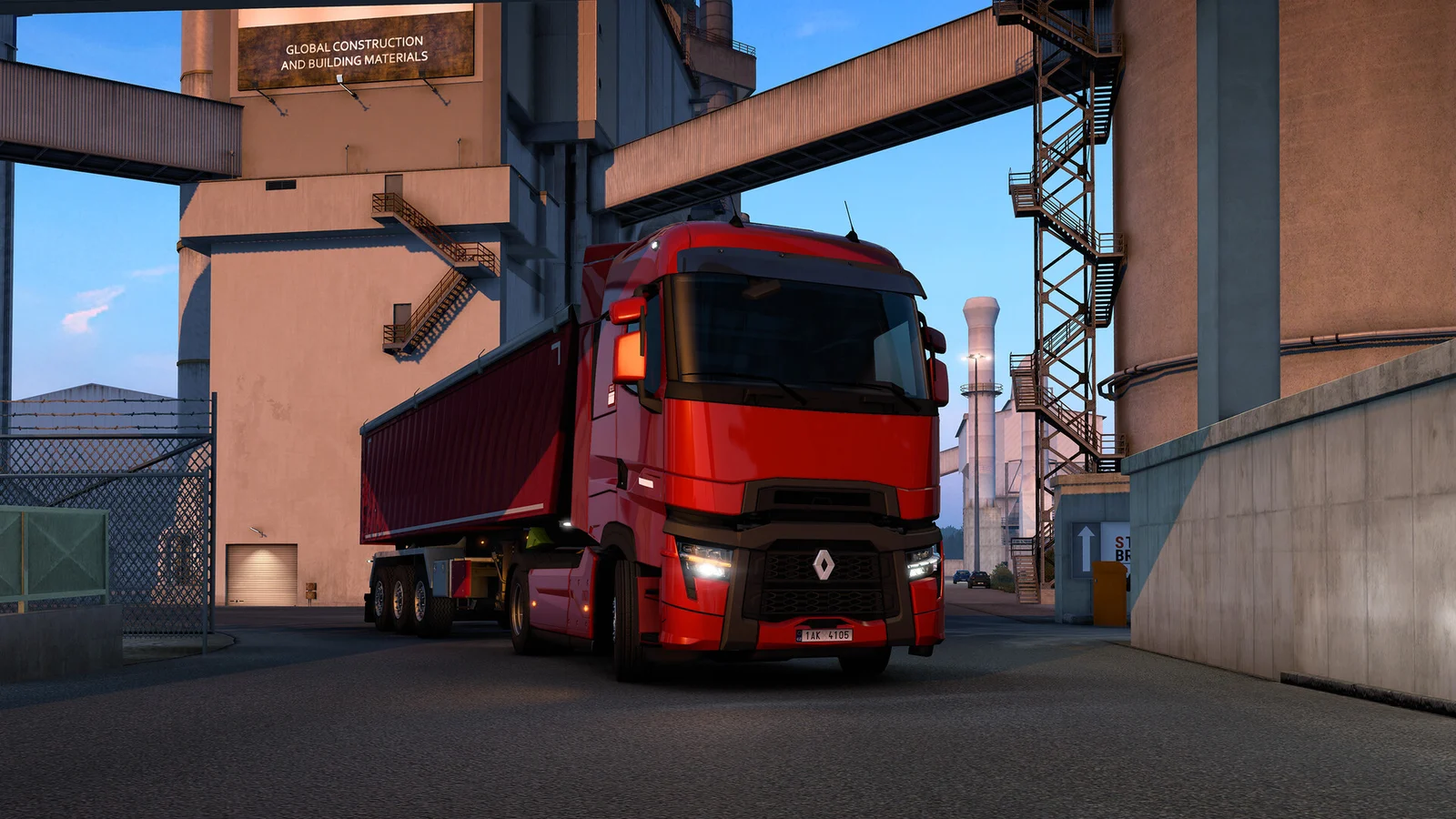
Quick Jobs versus Freight Market
Quick Jobs start with the player inside the company truck, with trailer and cargo already connected, and the employer pays fuel, tolls and repair fees, though not ferry or train rides or personal fines. Freight Market jobs instead mark the pickup on the GPS, leaving the player to travel there themselves, and are the way to work with the player's own truck.
Where External Contracts fit
External Contracts resemble Freight Market work, including the use of the player's own truck and comparable expenses and rewards, but the jobs are tied to the World of Trucks account and are immediately given when accepted. Only jobs in cities near the truck are listed, and speed is limited to 90 km/h (56 mph) in Euro Truck Simulator 2.
Step-by-Step Guide
Pick a Quick Job for immediate driving
Selecting a Quick Job puts the player straight into the company's truck, with the trailer and cargo already attached and ready; expenses such as fuel, tolls and repair fees are paid by the employer, but ferry or train rides and personal fines are not.
Follow the GPS for a Freight Market job
Taking a Freight Market job marks the pickup location on the GPS rather than teleporting the player, and this market is used when working with your own truck.
Select and couple at the pickup
At the designated company, stop in the green marker and choose the job. The trailer is then marked on the map and in the world; reverse to it and couple using the default T key.
Accept an External Contract
External Contracts still require your own truck with the same expenses and rewards, but the jobs are synced to your World of Trucks account; only jobs near your truck are shown, and accepting the contract gives it to you immediately.