
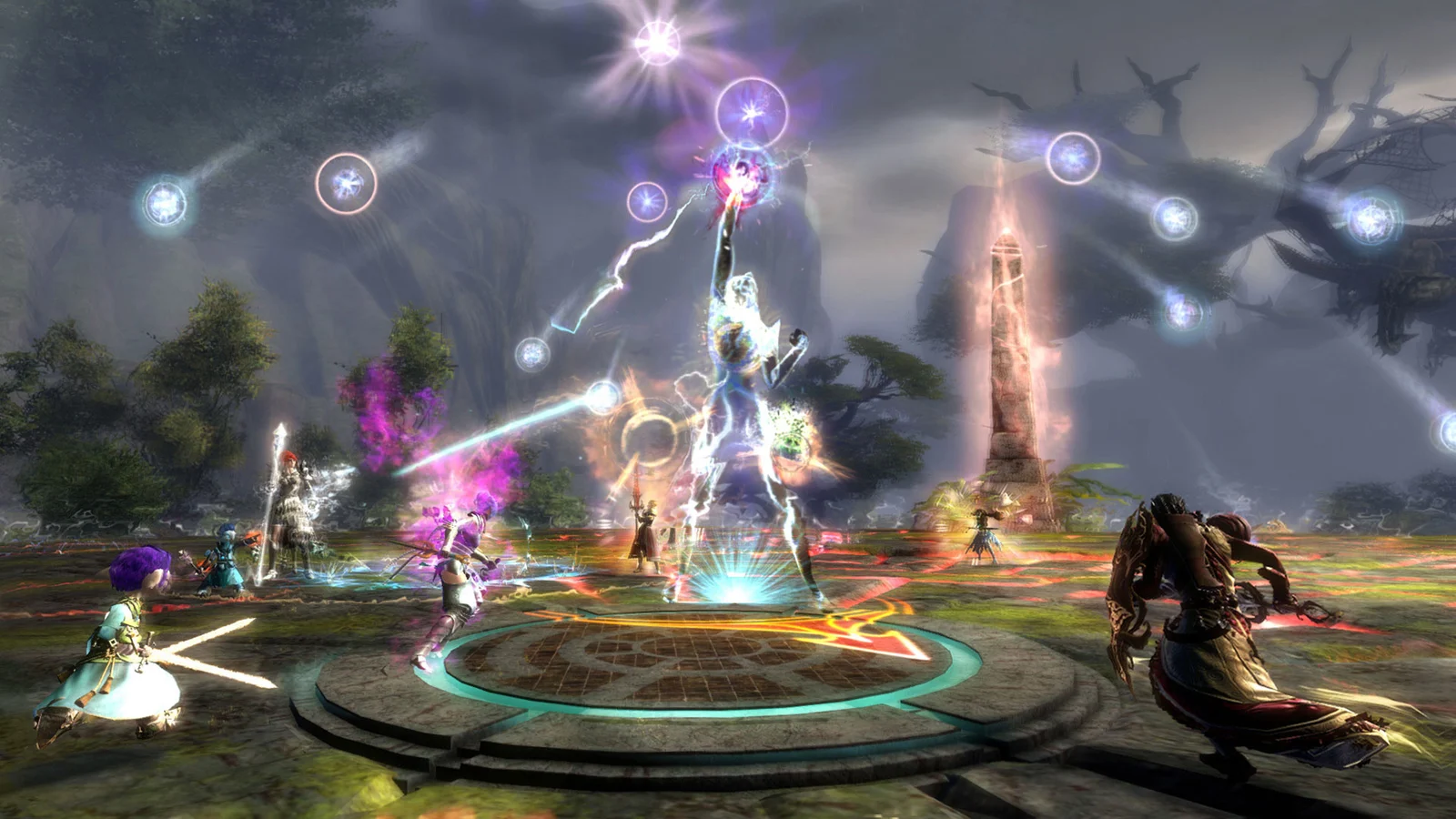
Movement, camera and skills
Use the W, A, S and D keys to travel in any direction. Weapon attacks and skills are bound to the number keys 1 through 9. Moving the mouse while holding either the left or right mouse button rotates the camera.
Dodging and healing
Tapping a movement key twice rolls the character in that direction. Dodging draws down the yellow endurance bar located above the health indicator. Every profession can heal, and the healing skill sits in the sixth slot of the skill bar and is triggered with the 6 key.
Step-by-Step Guide
Move and adjust the camera
Press W, A, S or D to move. Hold the left or right mouse button and move the mouse to turn the camera.
Use weapon and other skills
Activate your weapon and skill-bar abilities with the number keys 1 through 9.
Roll and recover
Tap a movement key twice to roll in that direction, noting that dodging drains the yellow endurance bar. Press 6 to use the healing skill in slot six.