
Menu and available recipes
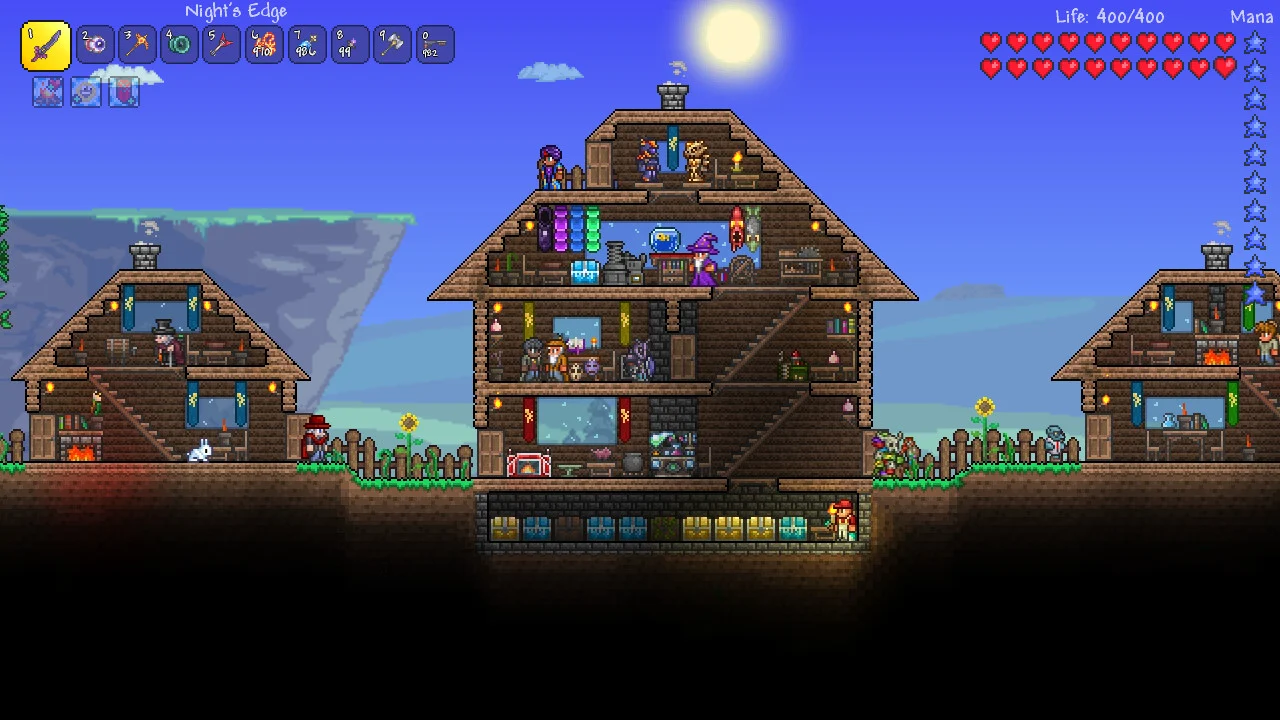
The Inventory key opens the heads-up display during play, and the crafting menu is found in the bottom left of the screen. The menu displays items that can currently be crafted. Which options appear depends on the player's inventory and on how close they are to crafting stations.
Stations and crafted modifiers
A Work Bench is the first station and does not require another station to craft. Stations have to be placed in the world and the player must be near enough to use them. Crafted weapons and accessories have a 75% chance of receiving an unpredictable random modifier; many items cannot receive modifiers, and the Goblin Tinkerer's reforge option is used to change one.
Step-by-Step Guide
Open the crafting menu
Press the Inventory key in-game to bring up the heads-up display; the crafting menu is in the bottom left of the screen.
Place a Work Bench
Craft a Work Bench without needing another crafting station, place it in the world, and stand close enough to use it.
Check the recipe list
The menu shows craftable items based on the inventory and proximity to stations, so nearby placed stations add their recipes to the list.