
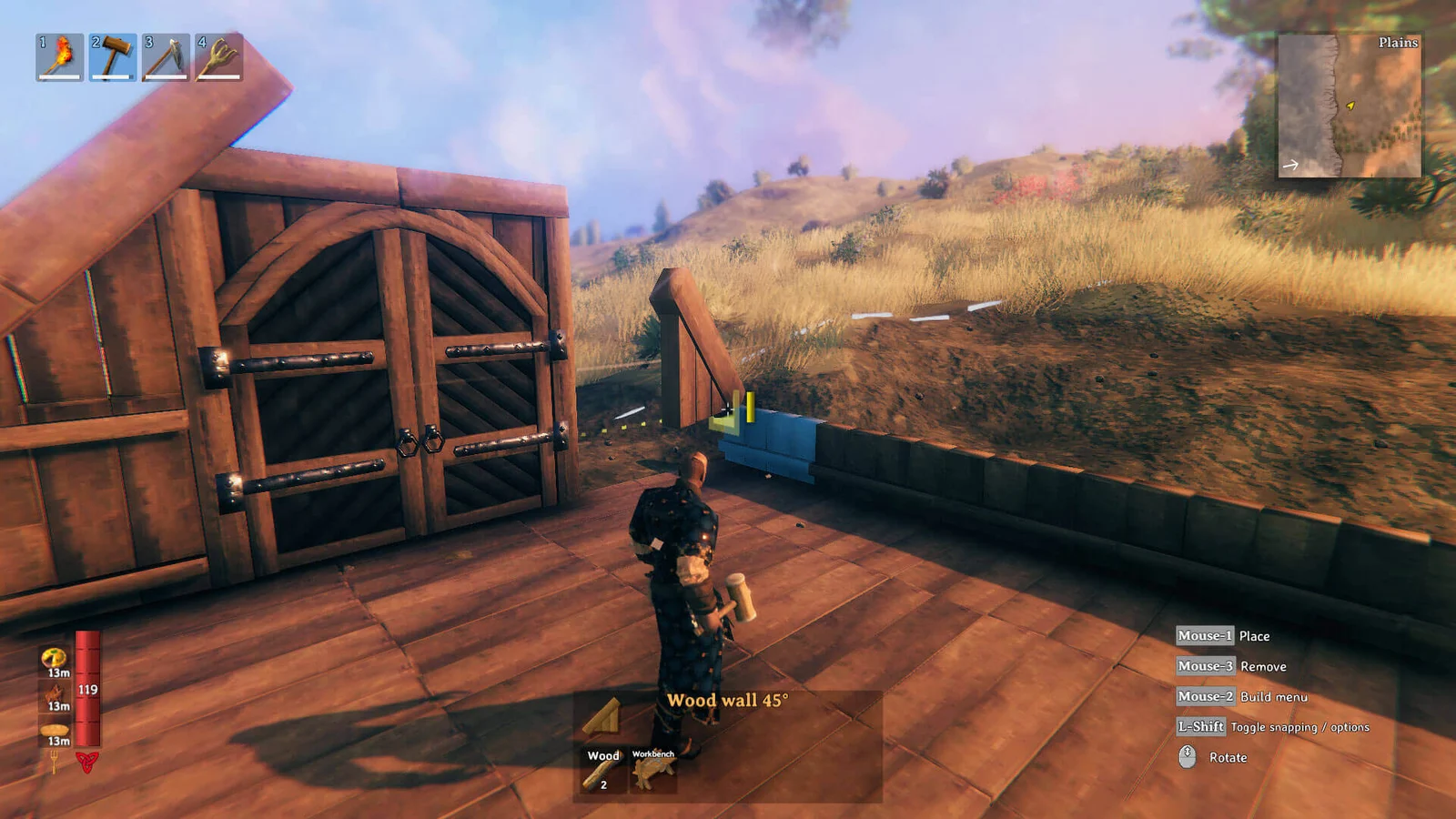
1. Confirm the game and developer
Valheim is listed on Steam. The developer field names Iron Gate AB. Open the official store link in the Sources section. Confirm the title and developer before following purchase or download links elsewhere.
2. Check your PC and the current requirements
Listed PC operating systems: Windows, macOS, Linux. Compare your operating system and hardware with the full current requirements on the store. An operating-system label alone does not guarantee that your hardware or OS version is supported.
3. Confirm how you want to play
Listed play features: Single-player, Multi-player, Co-op, Online Co-op. Read the exact store feature labels for your edition. Do not assume a Co-op label means split-screen, cross-play, or a particular player limit. Those details need separate developer confirmation.
4. Recheck access and updates
The Steam listing does not mark this game as free to play. Current prices must be checked at the store. Review the current store page before committing to a purchase or session. This checklist deliberately makes no claim about tested performance, optimal settings, or the current patch.