
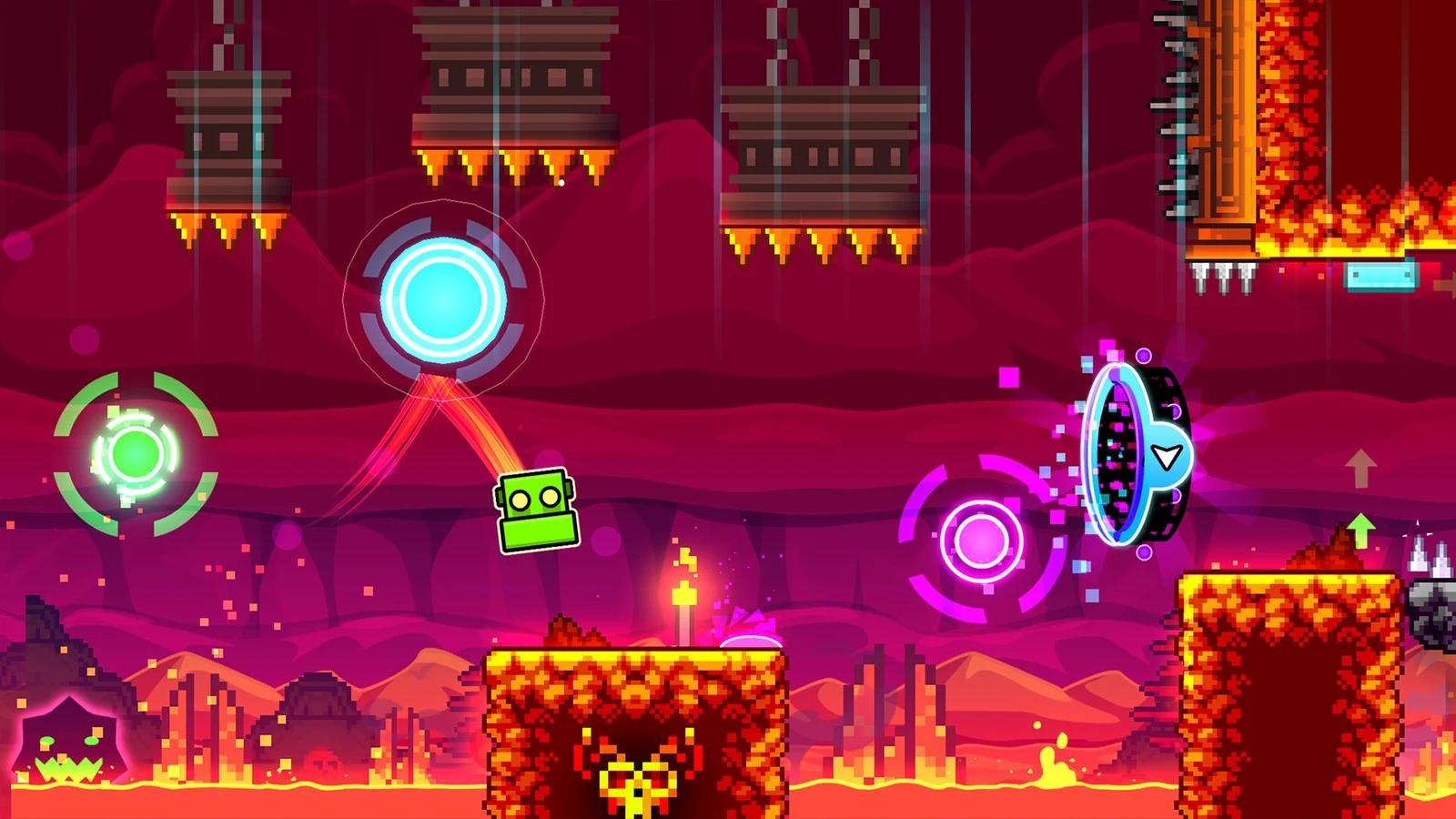
Swing mode and the Dash level
Update 2.2 brought the Swing game mode to the game. The same update added a level called Dash, which uses an original song by MDK. RobTop and MDK had called that song the 'secret song' until its name became known.
New shops and Platformer Mode
Two shops arrived with the update: the Mechanic and the Diamond Shop. Diamond shards are the Diamond Shop's currency, and they are earned alongside diamonds. Platformer Mode was also added; there the player controls left and right directly rather than being carried rightward automatically. It launched with four official levels: The Tower, The Sewers, The Cellar and The Secret Hollow.
Step-by-Step Guide
Try the Swing mode
The Swing game mode is one of the additions in this update.
Play Dash
Dash is the level added with this update, and its soundtrack is an original MDK song.
Visit the new shops and Platformer Mode
This update added the Mechanic and the Diamond Shop, and the Diamond Shop uses diamond shards. Platformer Mode was also added, giving direct left-and-right control, with The Tower, The Sewers, The Cellar and The Secret Hollow as its four official levels.