
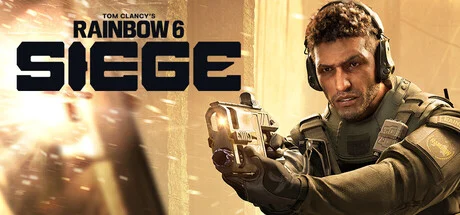
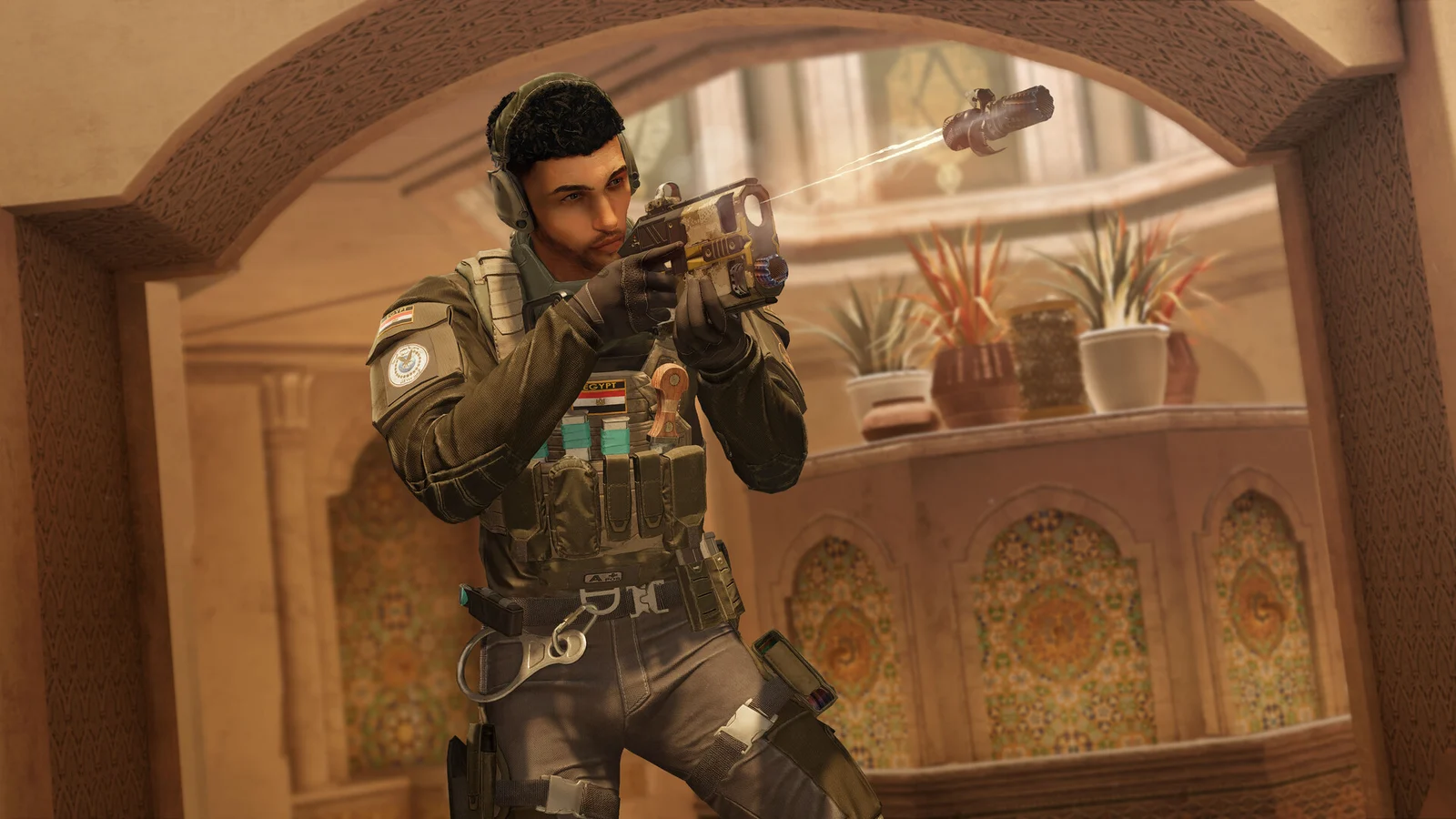
What the V10 Pantheon Shells Are
Skopós is a Defender whose unique ability is a pair of V10 Pantheon Shells. The two Shells are not identical in role: one is controlled directly as an Operator, while the other functions as an Observation Tool and is protected by a reinforced shield. That split is the core of the ability — the pair gives Skopós a directly piloted Shell plus a shielded observation position rather than two interchangeable drivable bodies.
Which Shell You Control
You control one Shell at a time as your Operator. The second Shell is not an extra controlled body; it is an Observation Tool, and it sits behind a reinforced shield rather than being freely piloted like the active Shell. In practical terms, your Operator is always the Shell you are currently operating, and the other Shell is a protected observation asset you can return to rather than a second simultaneous avatar.
Switching Between Shells
Switching is part of the ability: Skopós can switch between the two Shells at will, but cannot operate both at once. So the mechanic is a choice of which Shell is active, not parallel control of two Shells. Because only one Shell is active at a time, the unoccupied Shell is the shielded observation position described in the ability until you switch back to it.
What Happens if a Shell Is Destroyed
If either Shell is destroyed, Skopós loses connection to both Shells. This is the key constraint: the pair is treated as one linked system, so the loss of one does not leave you with a single working Shell. In practice that means protecting the shells is a shared concern — the Shell you are not currently operating is still tied to the one you are.
Loadout and Role Context
Alongside the Shell ability, the listed loadout is the PCX-33 as primary weapon, the P229 as secondary weapon, and Impact Grenade and Proximity Alarm as gadgets. Skopós is placed in the Wolfguard squad with the specialties INTEL and SUPPORT. As a Defender, the observation half of the Shell pair fits that intel/support framing, while the active Shell is the body you directly operate.
What This Source Establishes and What It Doesn't
The official operator page establishes the control model (one active Shell), the two roles (controlled Operator versus shielded Observation Tool), free switching, and the linked-loss rule that destroying either Shell severs connection to both. It also lists the loadout. It does not supply Shell health or damage figures, cooldowns, or details of how the reinforced shield behaves under fire, so those specifics should not be assumed from this material.
Skopós Shells: How V10 Pantheon Control and Switching Work
Connected Reading
Direct connections
- Related reading
Skopós Shells: How V10 Pantheon Control and Switching Work links to Iana: Rainbow Six Siege Attacker and Gemini Replicator Guide as related reading.
Iana is a Ghosteyes Attacker whose Gemini Replicator is a remotely-controlled holographic copy that moves and produces sound like her but cannot shoot, melee or use secondary gadgets. The copy has a time limit, can be exited at any time, and a cooldown always follows each use.
- Related reading
Skopós Shells: How V10 Pantheon Control and Switching Work links to Zero: Rainbow Six Siege Attacker operator reference as related reading.
Zero is a Ghosteyes Attacker whose Argus Launcher places cameras on breakable and reinforced surfaces, and whose cameras each carry one laser shot. His primary options are the MP7 and SC3000K, with the 5.7 USG and Gonne-6 as sidearms.
Questions and Answers
Can Skopós control both V10 Pantheon Shells at the same time?
No. Skopós can operate only one Shell at a time and can switch between the two at will. The other Shell serves as an Observation Tool behind a reinforced shield rather than a second body you control simultaneously.
What happens to Skopós if one Shell is destroyed?
Losing either Shell causes Skopós to lose connection to both Shells. The pair is linked, so a destroyed Shell does not leave you with one remaining working Shell.
Which Shell is the Observation Tool?
Of the pair, the Shell you are not operating serves as the Observation Tool and is protected by a reinforced shield, while the other is controlled as your Operator.